

Description
Download Learn to speak. English grammar – free, self-study, grammar practice, English learning, Android
Overview
Learn to speak. English grammar is a desktop-style educational tool designed to help users improve their English grammar skills through interactive exercises and practice tests. The software is intended for learners at various proficiency levels who wish to strengthen their command of written and spoken English. It addresses common challenges in grammar acquisition, such as tense usage, sentence structure, and word choice, by offering structured learning modules. The target audience includes students, language learners, and professionals who need to communicate more effectively in English. Developed by DOMOsoft, the app is positioned as a self-study solution for individuals seeking flexible, independent learning. Real-world usage scenarios include preparing for language exams, enhancing workplace communication, or simply practicing grammar at one’s own pace. The software supports independent learning without requiring a teacher or classroom setting.
Key Features & Capabilities
- Interactive grammar exercises tailored to different difficulty levels.
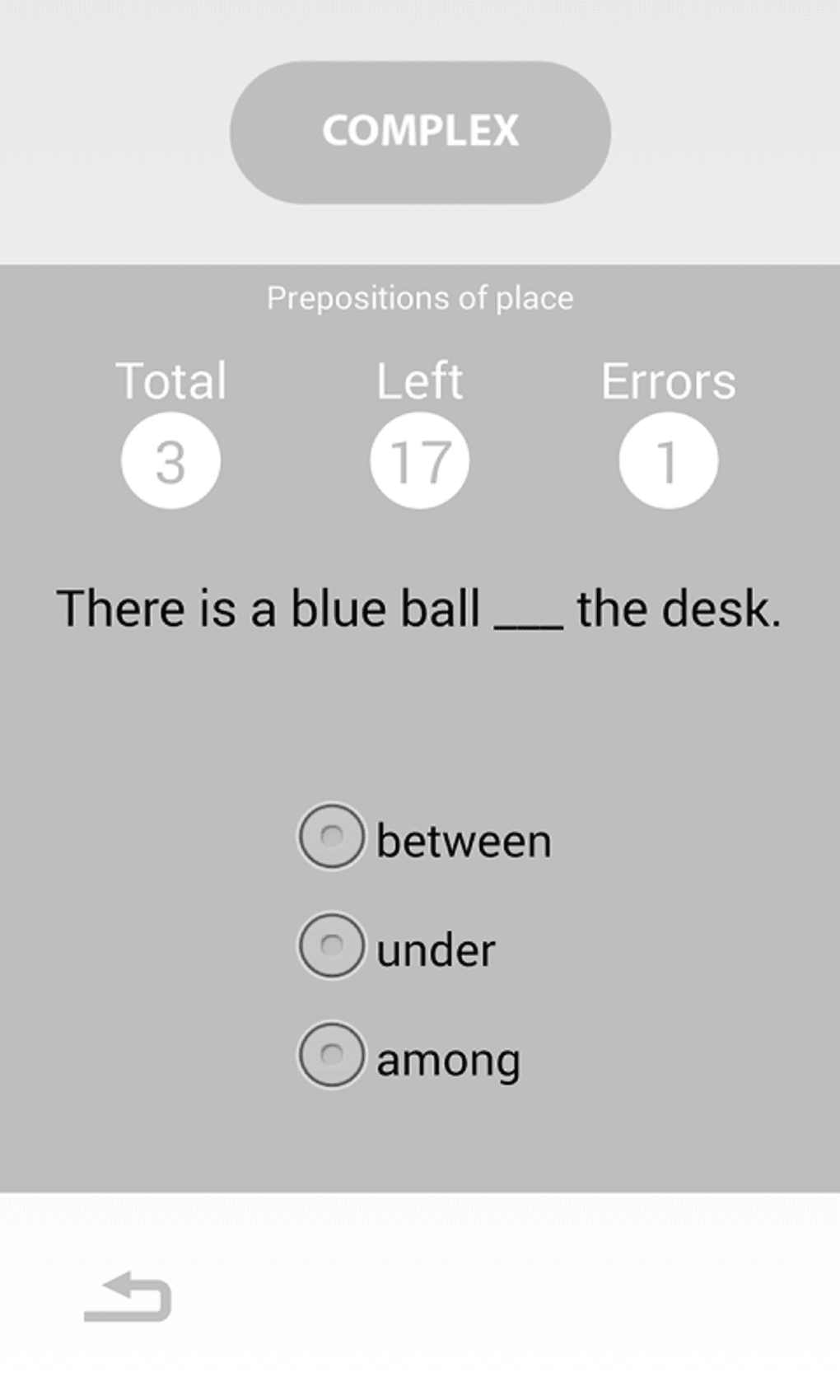
- Practice tests designed to simulate real language assessments.
- Self-paced learning environment with immediate feedback on responses.
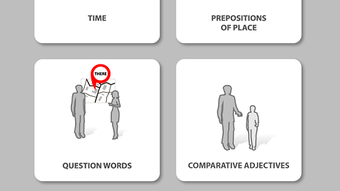
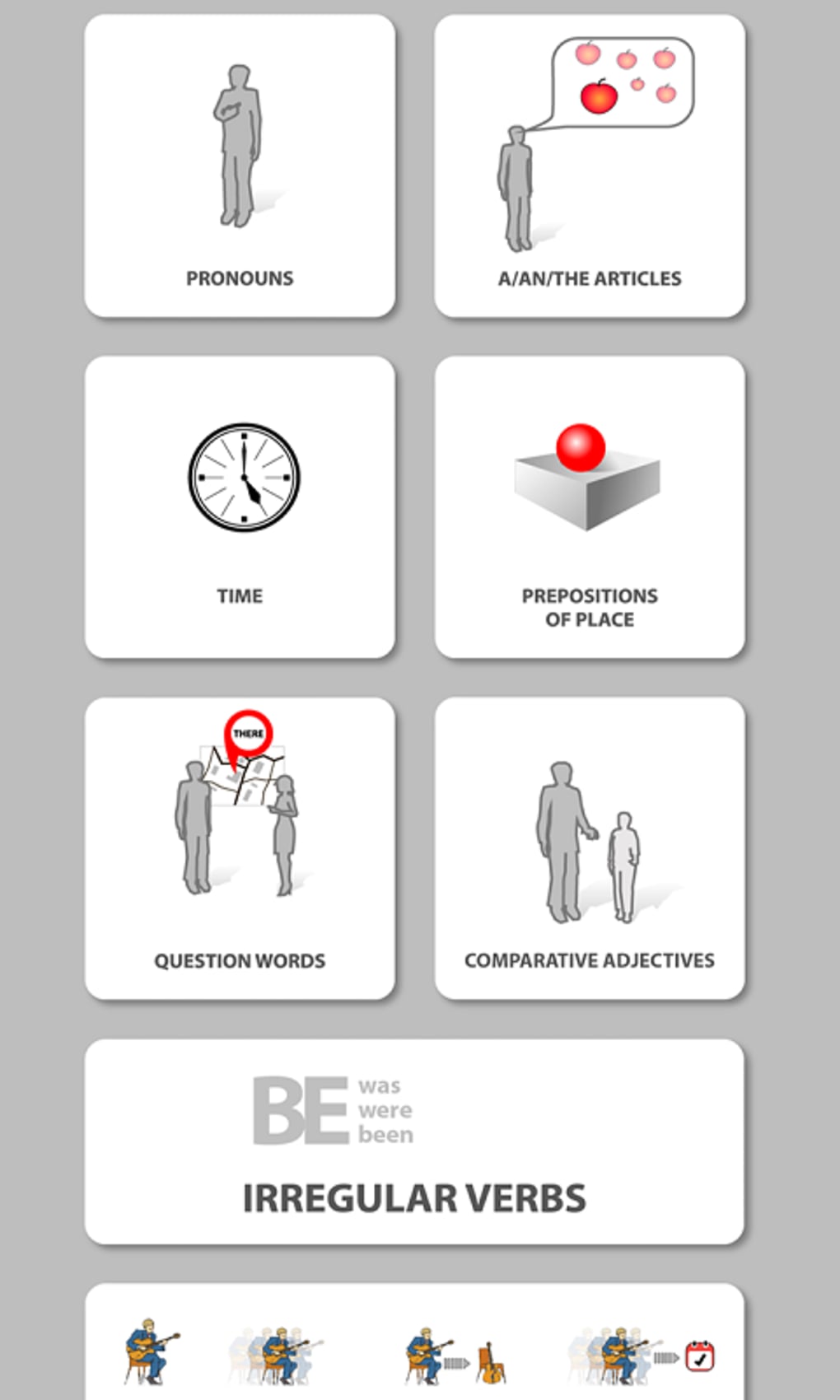
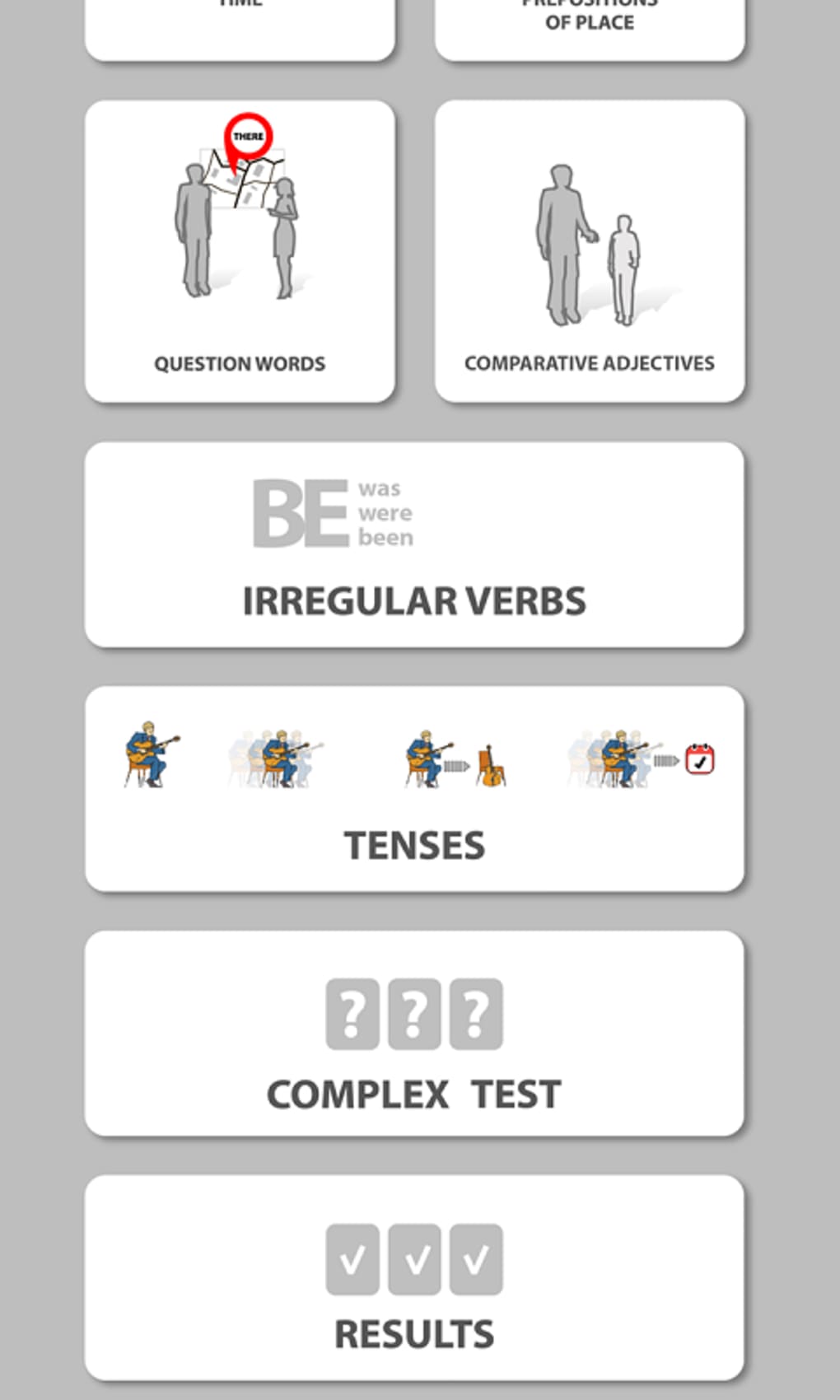
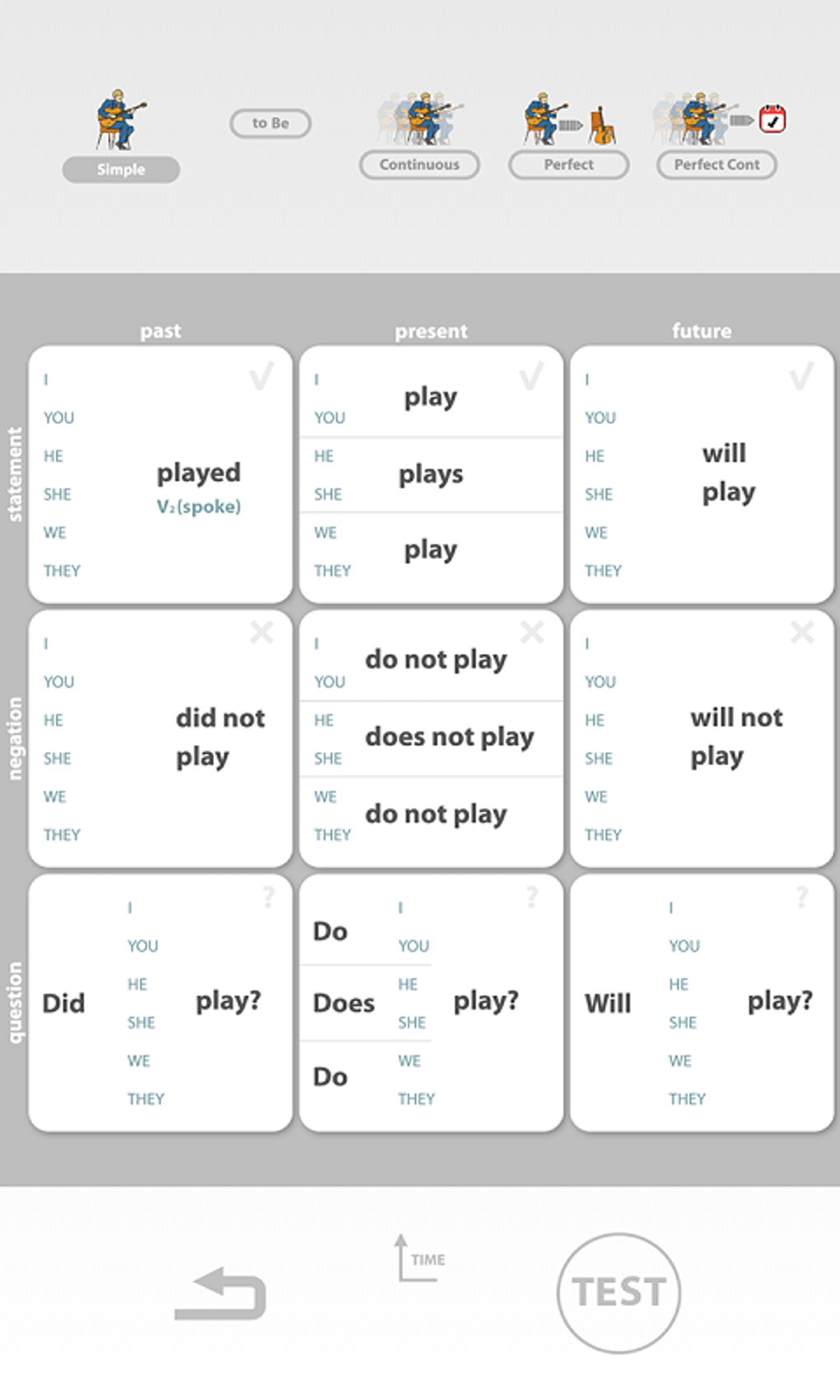
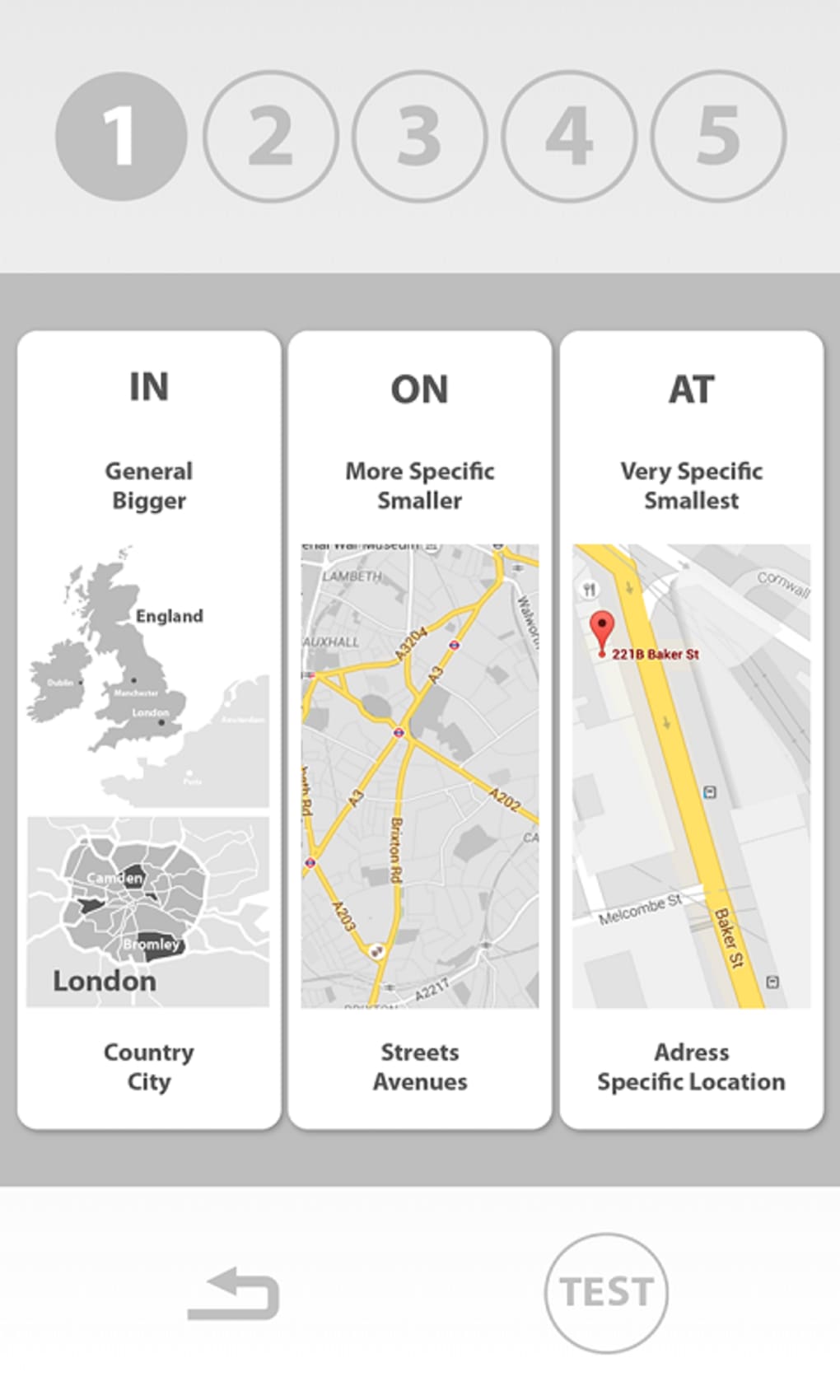
- Structured lessons covering core grammar topics such as tenses, prepositions, and sentence formation.
- Free access to core features with optional premium upgrade for expanded content.
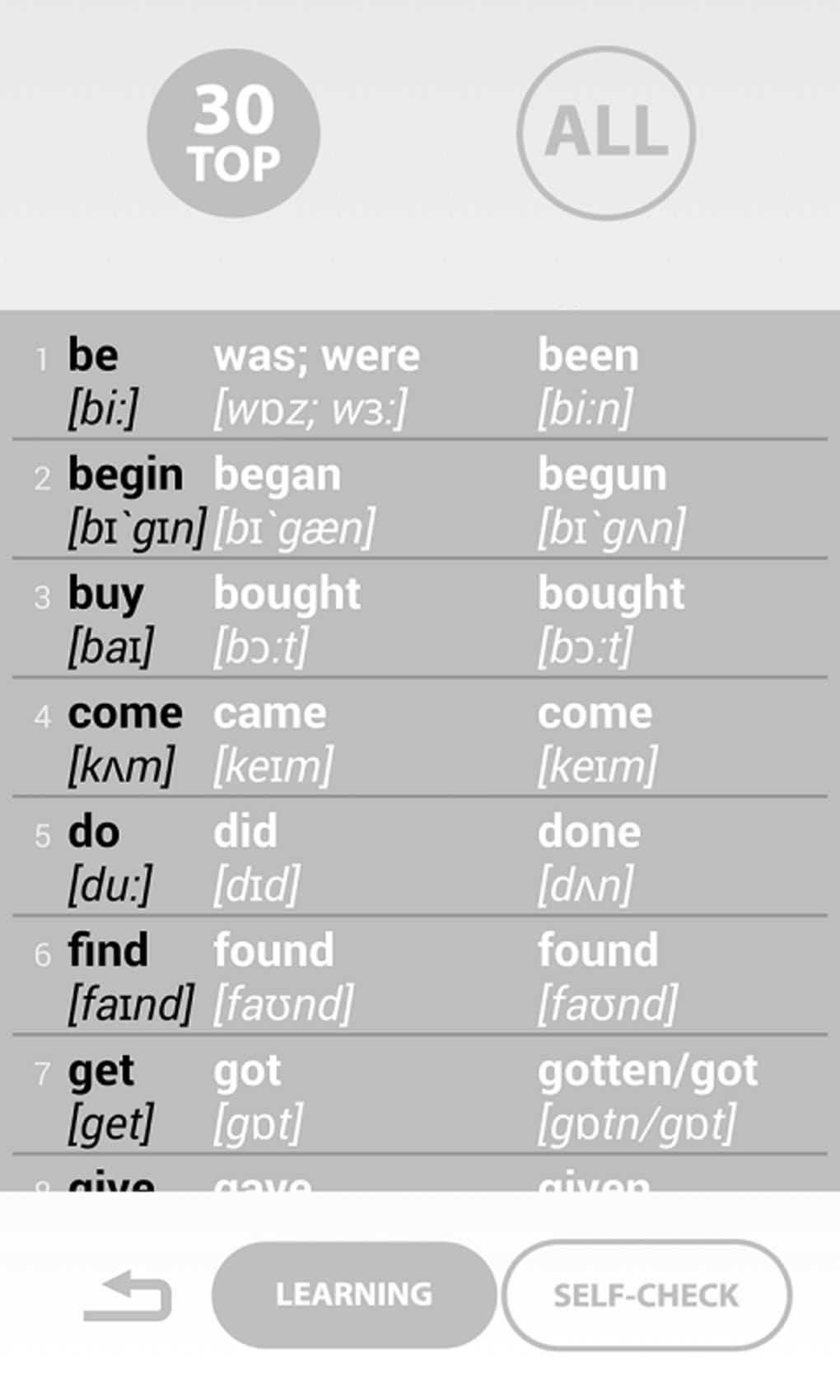
Each feature supports the goal of reinforcing grammar knowledge through repetition and active engagement. For example, users can complete a series of exercises on past tense verbs and receive instant feedback to correct mistakes. The practice tests help users assess their progress and identify weak areas. The self-paced format allows learners to return to challenging topics as needed. The availability of a premium version suggests additional content may be accessible for those seeking more comprehensive coverage. While specific content details are not provided, the structure implies a methodical approach to grammar mastery.
User Interface, Workflow & Performance
The user interface appears to be designed for clarity and ease of navigation, with a focus on minimizing distractions during study sessions. The workflow is structured around lesson selection, exercise completion, and progress tracking. Users can access different grammar topics through a menu system, select an exercise, respond, and receive feedback in real time. The overall workflow aims to support continuous learning without requiring external guidance. Performance observations are based on general software behavior patterns, as no specific performance metrics were provided. The developer did not specify resource usage details, so CPU and RAM behavior remain unknown. Stability is expected to be consistent for a lightweight educational application, but exact reliability data was not included. The software is designed for use on mobile devices, suggesting optimized performance for Android platforms with minimal lag during exercise sessions.
Compatibility & System Requirements
Learn to speak. English grammar is compatible with Android 1.6 and higher versions. The application is available for users on Android-based devices, though specific hardware requirements were not listed. The install size varies depending on the device type, indicating that storage needs may differ across devices. The program is available in English, and no additional language options were mentioned. Platform compatibility information is limited to the Android operating system. The developer did not provide additional system requirements, so users should ensure their device meets the minimum Android version. The software was last updated on April 12, 2016, which may affect compatibility with newer Android versions over time.
Pros and Cons
Pros
- Free to download and use, making it accessible to a broad audience.
- Self-study format allows learning at any time and pace.
- Interactive exercises provide immediate feedback for better retention.
- Practice tests help users measure their progress.
- Premium upgrade available for users seeking additional content.
Cons
- Only available on Android, limiting access to other platforms.
- Software has not been updated since 2016, which may impact compatibility with modern devices.
- Exact system requirements and performance data were not specified.
- Interface and functionality may feel outdated due to the last update date.
- Limited to English language content, with no multilingual support.
FAQ Section
Is Learn to speak. English grammar available for Windows or Mac?
The software is currently only available for Android devices. There is no version available for Windows or Mac operating systems.
Is the app safe to download and use?
Learn to speak. English grammar is a free app developed by DOMOsoft. It is rated 4.5 out of 5 by users, suggesting a generally safe experience. However, users should download from trusted sources to ensure security.
Can I use the app offline?
While offline usage was not explicitly confirmed, the app’s self-study nature and lack of cloud dependencies suggest it may function without an internet connection after installation.
Are there regular updates?
The last update was released on April 12, 2016. No recent updates have been published, which may affect compatibility with newer Android versions.
What is the difference between the free and premium versions?
The free version includes core grammar exercises and tests. A premium upgrade is available for additional features, though specific details were not provided.
Final Thoughts
Learn to speak. English grammar offers a straightforward, accessible way to practice English grammar through interactive exercises and tests. Its self-study model is ideal for learners who prefer flexibility and independence. While the app is free and well-rated by users, its lack of recent updates and limited platform availability are notable drawbacks. The interface may feel outdated, and compatibility with modern Android devices is uncertain. Still, for users seeking a no-cost grammar tool on Android, it remains a viable option. The structured approach to learning, combined with immediate feedback, supports effective practice. For those needing a more up-to-date solution or cross-platform access, alternatives may be preferable. However, for basic grammar reinforcement on Android, this tool delivers functional value. Download Learn to speak. English grammar now.
Guides & Tutorials for Learn to speak English grammar
How to install Learn to speak English grammar
- Click the Preview / Download button above.
- Once redirected, accept the terms and click Install.
- Wait for the Learn to speak English grammar download to finish on your device.
How to use Learn to speak English grammar
This software is primarily used for its core features described above. Open the app after installation to explore its capabilities.
User Reviews for Learn to speak English grammar 0
No reviews found





